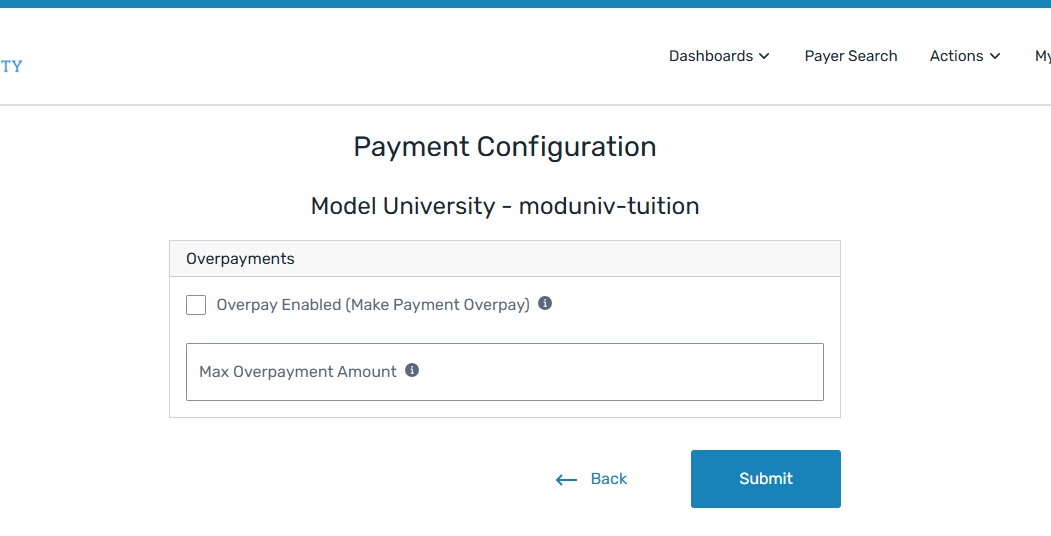
Manage Overpayment Configuration
You can manage overpayment configurations for your institutions using the Payment Configuration page. You can set whether overpayments are allowed and how much a payer is allowed to over pay their bill.
You can't configured overpayment at the root institution. If using cohorts, overpayment is configured at the cohort level. Otherwise, overpayment is configured at the tuition level for billing and payments or configured by receivable group for collections.
When overpayments are enabled, the payer will see the Make a Payment button even if the total balance is zero dollars.
 What are overpayments?
Overpayments are when a student or Authorized User pays more than the total amount due. When enabled, an overpayment can be made when paying towards a total bill.
Who can manage payment configuration?
You must have the correct permission configured to be able to manage overpayment configuration. If you want to manage this information but do not see the option, the permission is controlled with the Ability to Manage All Client Self Service Configuration permission on the Edit User page.
If you need access, please contact the Flywire administrator at your institution or contact Flywire Support at [email protected].
Find the Page
-
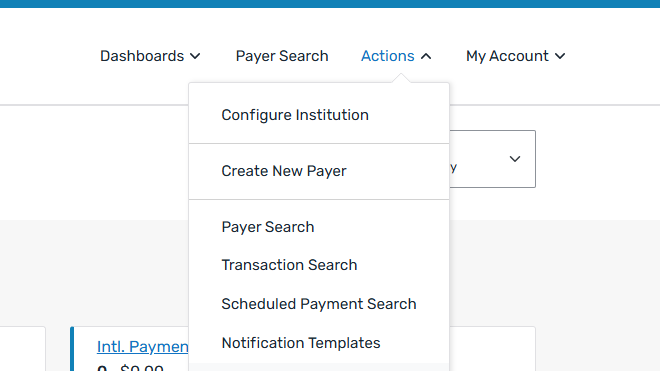
Select the Actions menu and click Configure Institution.
-
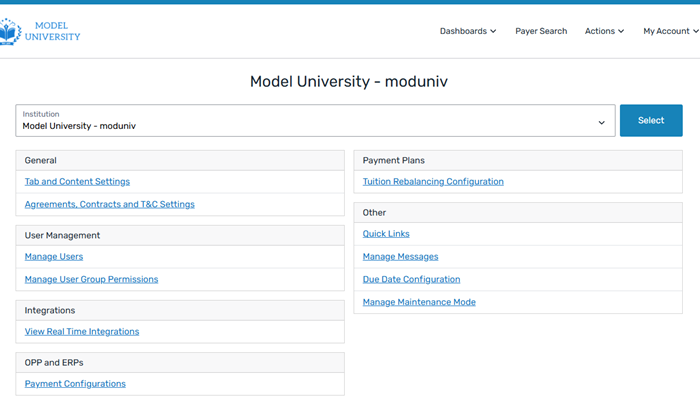
The [Institution name] page opens. The option must be configured at the sub-institution level, you cannot make the change at the root institution level. Use the institution toggle to select the sub-institution.
How do I use the institution toggle?
To change the institution using the institution toggle, select the institution from the drop-down list and click the Select button.
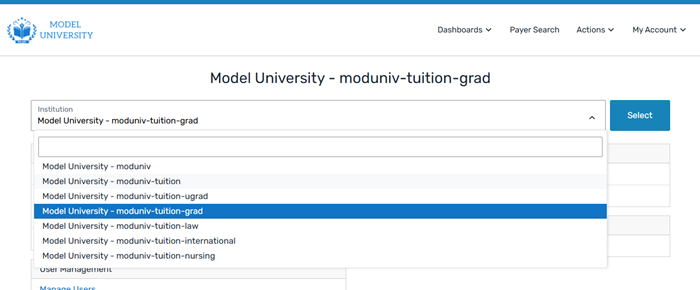
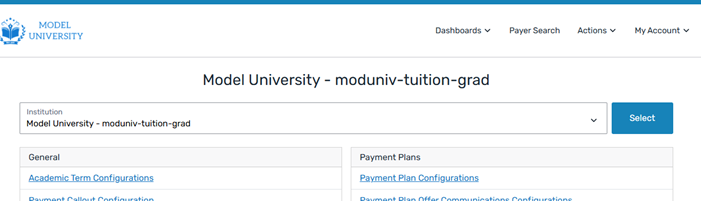
The name of the [Institution name] page will change to the name of the institution you selected. For example, if you are changing from the Model University root to the graduate institution, the name of the [Institution name] page updates to Model University - moduniv-tuition-grad.
 What are institutions?
Institutions are configuration records that specify your SFS setup. Every Student Financial Software (SFS) system is required to have a 'root' institutions and you can add as many sub-institutions as needed for your configuration.
For more information, see Institutions.
-
On the [Institution name] page, click the Payment Configurations link.
-
On the Payment Configuration page, you can manage overpayments.
On the Page
|
|